Case study · personal project · 2026
DigitalWork Instructions
Shop-floor assembly instructions are still mostly static PDFs with screenshots. I wanted to see how far a zero-install browser viewer could go: animated 3D steps, a part tree, and a mode an operator can use with gloves on.
- Role
- Sole designer & developer
- Stack
- Three.js · Vite · OpenCASCADE · glTF-Transform
- Data
- Public community CAD model, sample step text
- Runs on
- Any modern browser, desktop or tablet
The problem
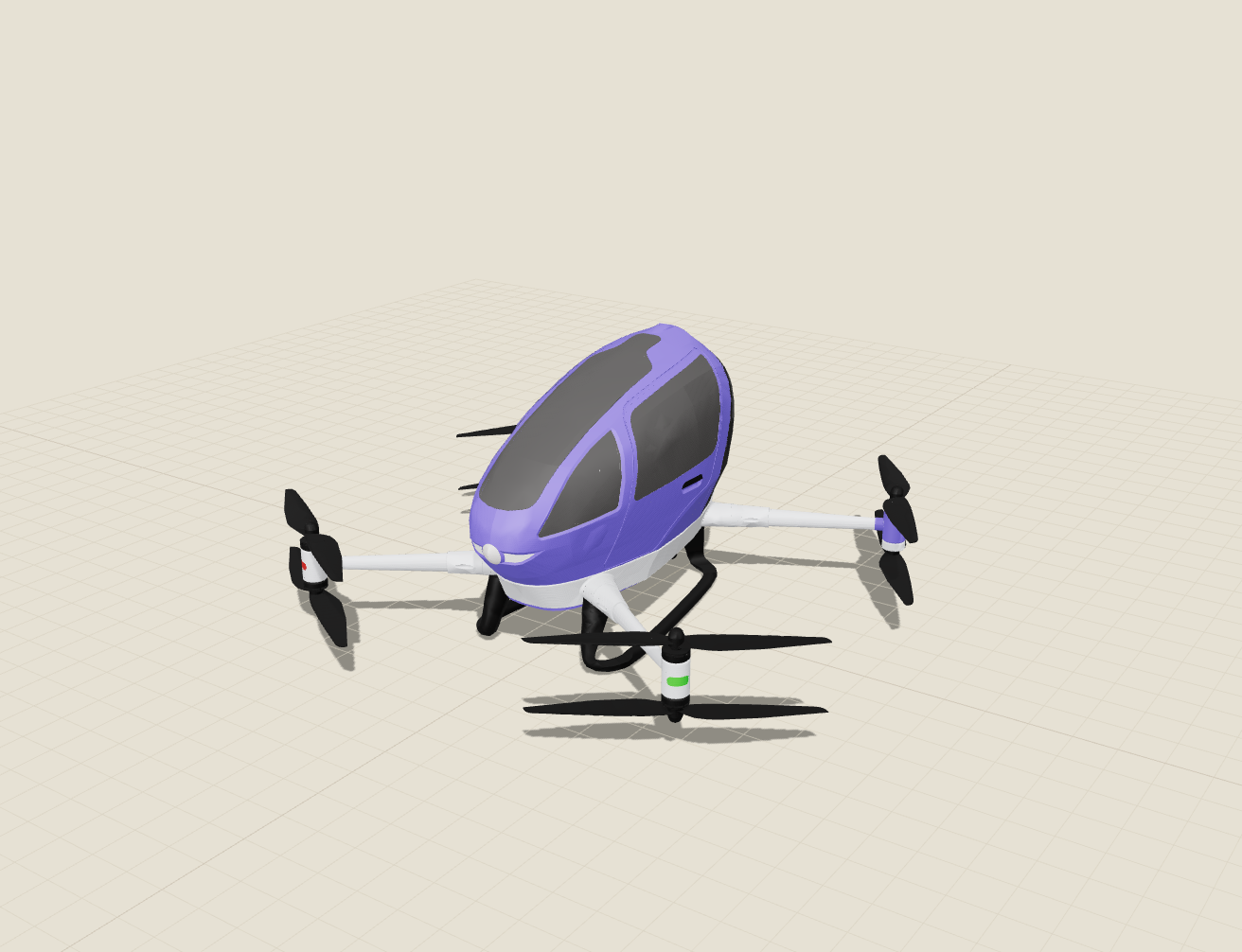
A STEP assembly of a small aircraft is tens of megabytes of exact geometry. Browsers can't show that quickly, and operators don't need exact B-rep surfaces; they need to see which part goes where, in what order, with which tool.
Approach
- Convert once, at build time. OpenCASCADE (WebAssembly) tessellates the STEP file; the model is centred, rotated to Y-up and split by face colour so each part keeps an ID.
- Compress hard. glTF-Transform deduplicates, welds and simplifies meshes, then applies quantisation and meshopt compression.
- Describe steps as data. A small rules file groups parts into steps and gives each one text, tools, a check, an approach direction and a camera view.
- Make time the single source of truth. The whole animation is a pure function of time, so the slider can scrub forward and backward and every frame is reproducible.
- Design for the workbench. Shop-floor mode shows one step at a time in large type, with swipe and keyboard navigation.
STEP CADTessellateCompressStep rulesBrowser
Results
- 73 → 0.9 MBmodel size
- ~1 MBwhole site, gzipped code incl.
- 57 / 11parts / steps
- 0console errors in click-through tests
Tested with scripted real clicks (play, pause, step jumps, shop-floor mode, exit) and on phone-sized screens. The viewer also recovers if the browser drops the graphics context.
What I'd do next
- Author steps visually in the browser instead of in a rules file.
- Add fastener callouts and torque values as data on each step.
- Offline install as a PWA for tablets without network access.
- Let an AI agent draft step text from the part tree, with a human approving every step.